Precision Inpainting (local redraw)
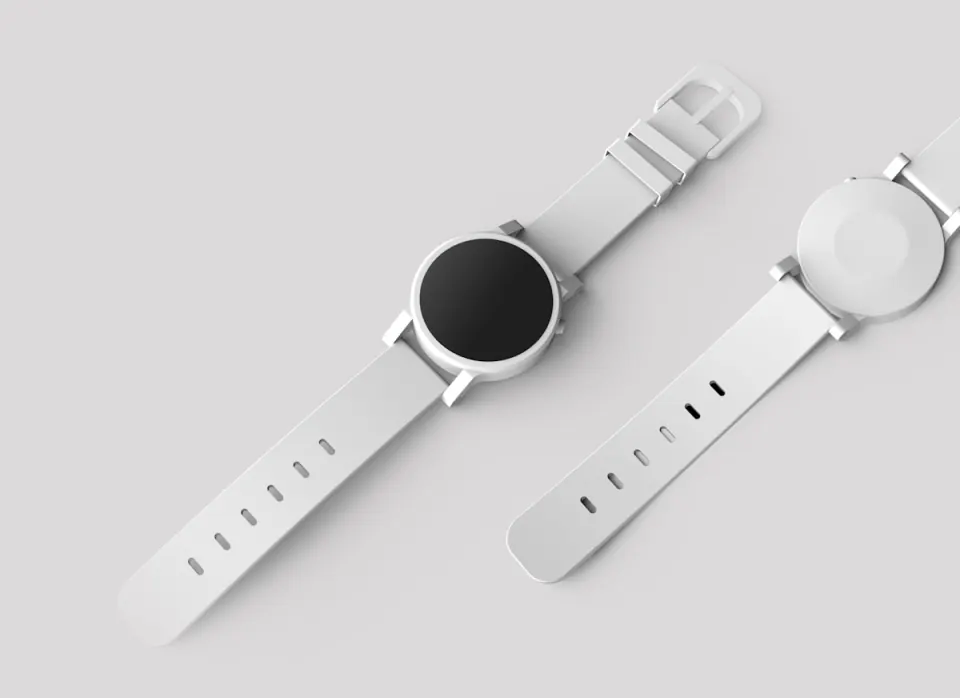
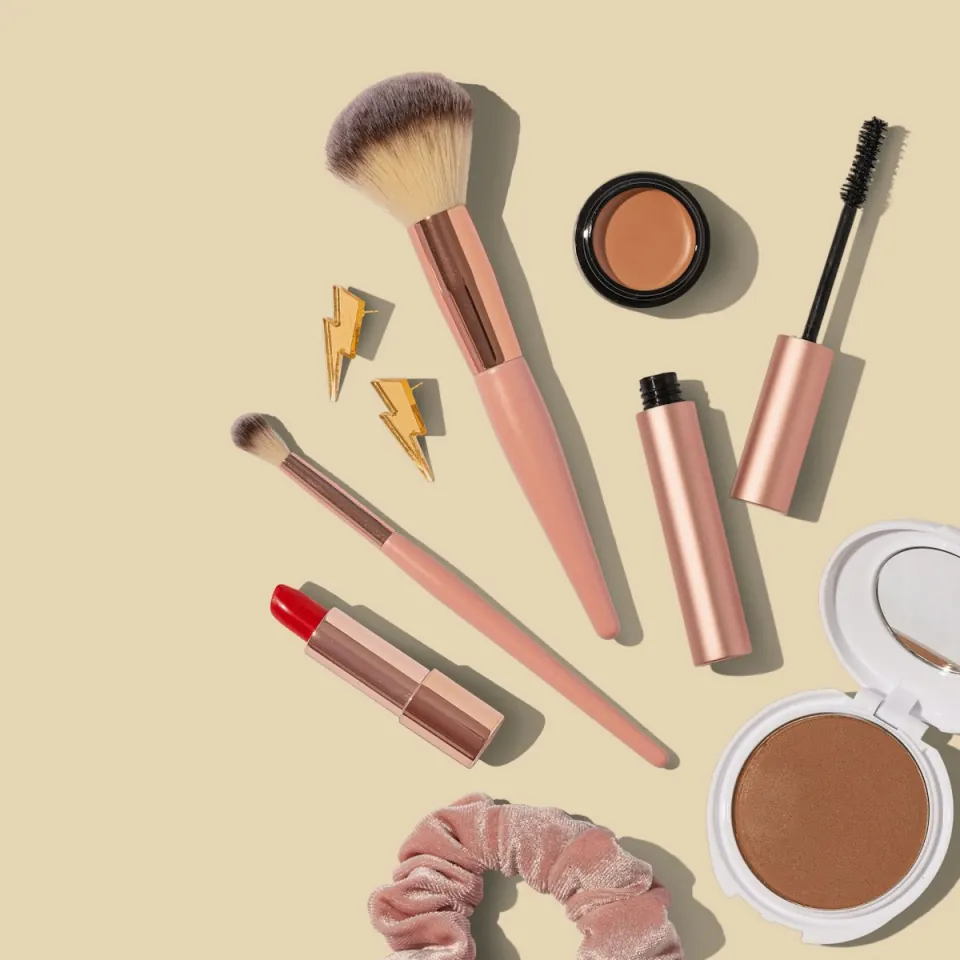
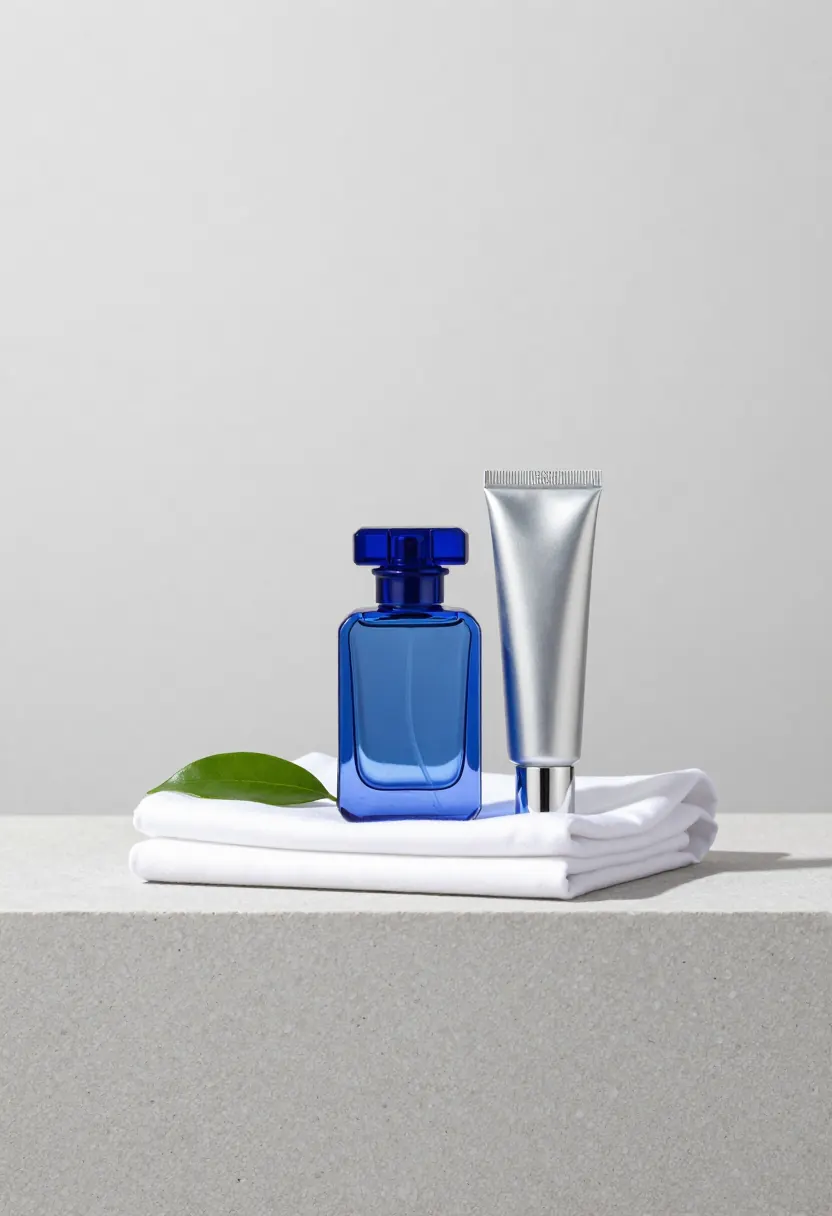
Modify specific areas of your images using natural language prompts. Perfect for object removal, outfit changes, and surgical fixes that stay aligned with the original lighting.
Experience the power of JD-OpenSource's JoyAI series. High-fidelity image generation and precision editing powered by FLUX.1-Fill, optimized for edge performance.
No sign-up requiredFree & online
Modify specific areas of your images using natural language prompts. Perfect for object removal, outfit changes, and surgical fixes that stay aligned with the original lighting.
Seamlessly extend your canvas with JoyAI's context-aware background generation — ideal for turning tight crops into hero banners without breaking perspective.
Leverage JoyCaption v2 for hyper-accurate image tagging and prompt engineering, so your joyai-image-edit sessions start from structured, reliable semantics.
Our platform provides an optimized environment for JoyAI-Image, ensuring pixel-perfect results that surpass standard diffusion baselines. By utilizing the FLUX.1-Fill backbone, we offer:
| Feature | JoyAI-Image-Edit | Standard SDXL |
|---|---|---|
| Model base | FLUX.1 (state-of-the-art) | SDXL / SD1.5 |
| Editing logic | Instruction-driven | Mask-based only |
| Prompt adherence | JoyCaption optimized | Manual prompting |
| Visual noise | Minimalist / clean | High variability |
For jd-opensource JoyAI workflows, start from the official JoyAI-Image-Edit weights on Hugging Face, mirror checkpoints to your GPU host, and pin Python + CUDA versions to the release notes. Use our online joyai-image-edit demo to validate prompts before you deploy locally. If you need reproducible builds, containerize inference and mount weights read-only — the same joyai-image-edit stack can power batch pipelines for ecommerce catalogs.
Wire JoyAI-Image and joyai-image-edit nodes after your load-checkpoint step, route JoyCaption tags into CLIP/Text encoders, and keep latent sizes consistent when switching between inpainting and outpainting. For jd-opensource experimentation, export small graphs first, then scale to multi-GPU queues once your joyai-image-edit prompts are stable.
JoyAI-Image focuses on base image generation, while JoyAI-Image-Edit is specialized for inpainting, outpainting, and instruction-driven edits using a FLUX.1-Fill-aligned pipeline — ideal when you need joyai-image-edit precision instead of a blank canvas.
Yes. This site provides a pixel-focused web interface to explore JoyAI-Image and joyai-image-edit workflows without installing weights locally. Pair it with Hugging Face checkpoints when you want jd-opensource parity between cloud demos and self-hosted inference.
Compared with standard SDXL pipelines, joyai-image-edit emphasizes instruction following and cleaner integration with JoyCaption tagging — which makes JoyAI image tasks faster for ecommerce teams that iterate on catalogs daily.
Yes — you can start with the hosted joyai-image-edit experience for free. For jd-opensource deployments, follow the upstream license tied to the JoyAI-Image weights you download.
The landing experience is built for instant tries: open the editor, paste a prompt, and run. Account requirements depend on the dashboard features you enable.
Midjourney and DALL-E excel at net-new generation. JoyAI-Image-Edit targets surgical edits — swap backgrounds, rewrite signage, extend canvases — while preserving subject identity.
Commercial use depends on the license of the weights you run — upstream jd-opensource releases plus our hosted terms. Review both before shipping production joyai-image-edit assets.
Instruction-first workflows keep typography, shadows, and perspective aligned. Pair JoyCaption tags with short natural-language edits for the most stable joyai-image-edit results.
Community weights and tooling ship through jd-opensource-friendly repositories and Hugging Face hubs. Use the online demo for quick validation, then mirror checkpoints locally.
Yes — the interface is responsive so you can review joyai-image-edit outputs on phones and tablets when you are away from a workstation.